1.open the xender in your mobile. 2.select pc . 3.please open your wifi in pc and connected your xender . 4.now open your google and write 192.168.43.1:33455. 5.now your pc connected with xender. please share this. for more information to visit my blog. shahnemil.blogspot.in Thank you.
1. open the comand prompt. 2.now check your device are support hostednetwork or not. you see my devices ares supported hostednetwork. 3.now you get hotspot name and password. 4.now start hotspot. 5.now stop hotspoot. for more information visit my blog.
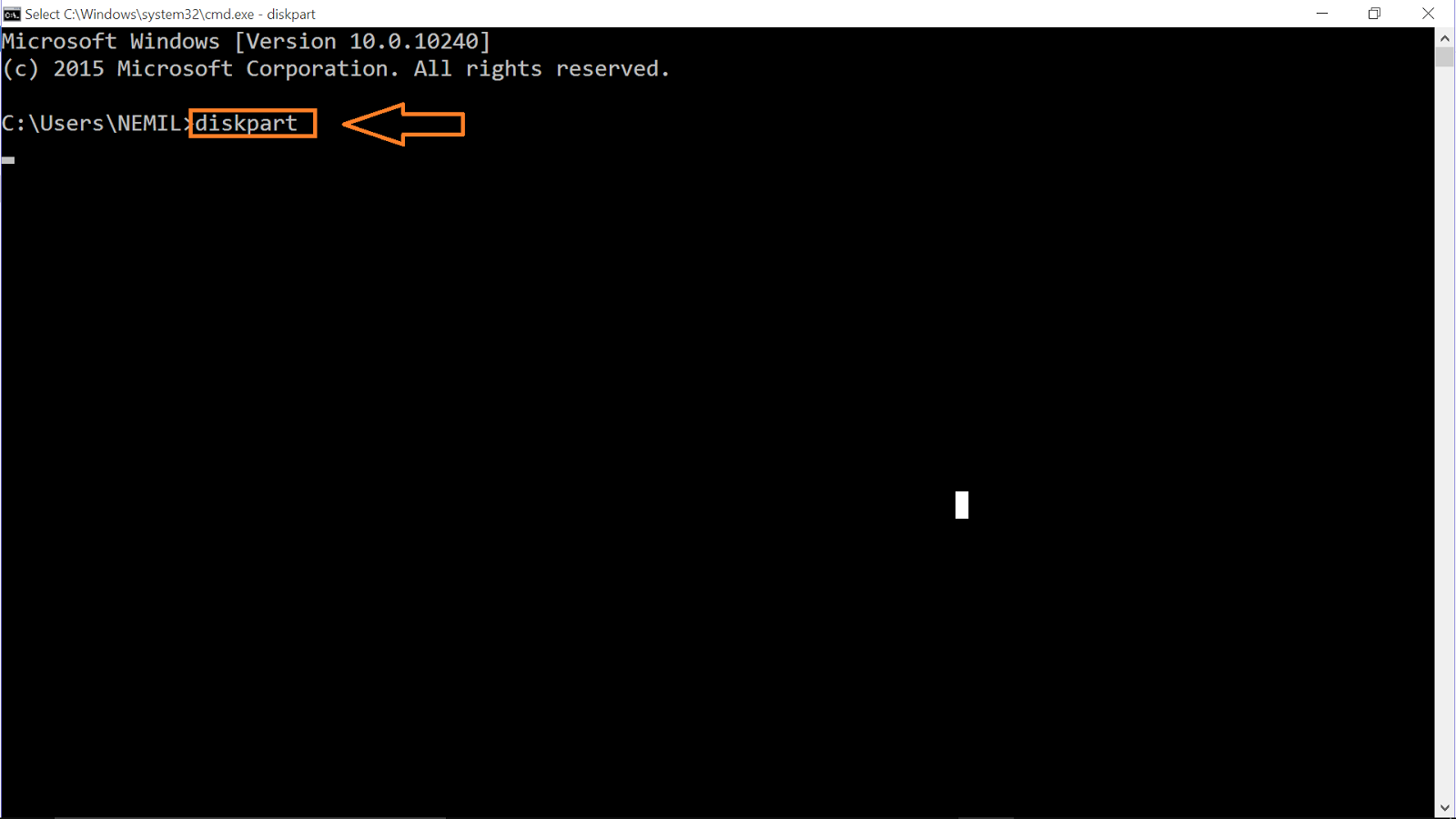
1.open the command prompt. [windows key + r]=open run window and type cmd. 2.now type diskpart. 3.after diskpart type and click enter.and open new command prompt. 4.now type list volume.that shows all drives in your computer. 5. select drive that you can hide. here i hide d drive.here my drive volume 2. so , select volume 2. 6.now type remove letter d. 7.now go to my computer check drives.here my d drive hide. 8.now you want unhide drive. you select volume 2 and type assign letter d.



Comments
Post a Comment